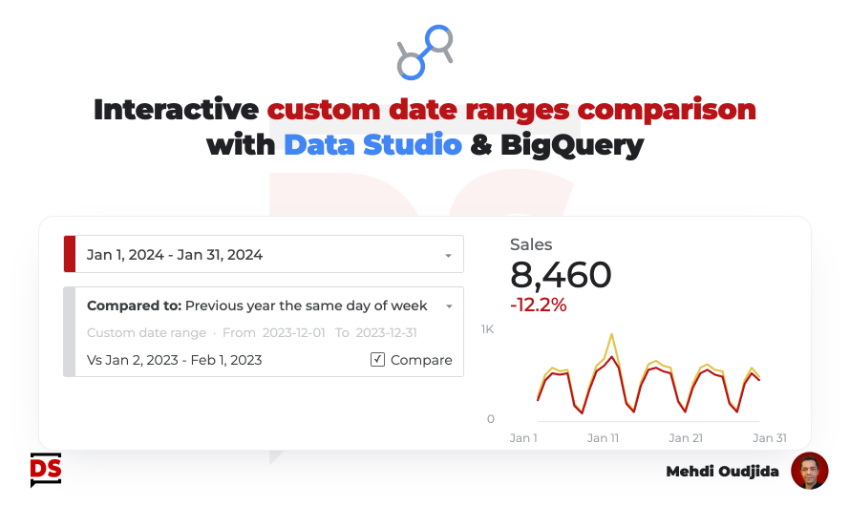
Two years ago, I started working on this interactive comparison date range solution within Data Studio, to fill a gap in the tool. It required using BigQuery as a data source and the context at the time was not like today, even though the affinities between Data Studio (formerly known as Looker Studio) and BigQuery were already strong.
Today, they are even stronger. In general, BigQuery is much more used in the digital analytics world, and the Google Cloud BI team working on Data Studio continues to advance and enrich the features between the two softwares. The new native BigQuery integration for LS is another additional proof of this.
During these 2 years, I tested and improved this solution through internal projects and reports for clients. During these 2 years, BigQuery has also become an almost systematic ally as a data preparation layer for sustainable Data Studio reports, integrated into a complete analytics device, regardless of the data collection software, with or without a real data warehouse for ingestion and processing.
Therefore, the solution I describe in this article is not perfect but it allows addressing one of the most requested unsatisfied demands, while waiting for the functionality to be directly supported by Data Studio…
So, let’s go.
Unlock free access to the full article
Access to this article written by Mehdi Oudjida, Data Studio Expert, is completely free: enter your email address to receive an access link to the full article.
Your email address is only used to send the link, and for the newsletter if you tick the box. It is not stored on this site.