Within your organisation, dashboards and reports multiply to address various needs of analytics & digital performance. Some (most) of them are probably built with Google Data Studio if you are reading these lines.
The creation of a dashboard calls for an other need. a report for a requested analysis has become so easy to built dynamically, so secondary outputs of analytics studies are Data Studio interactive reports to reuse in the future.
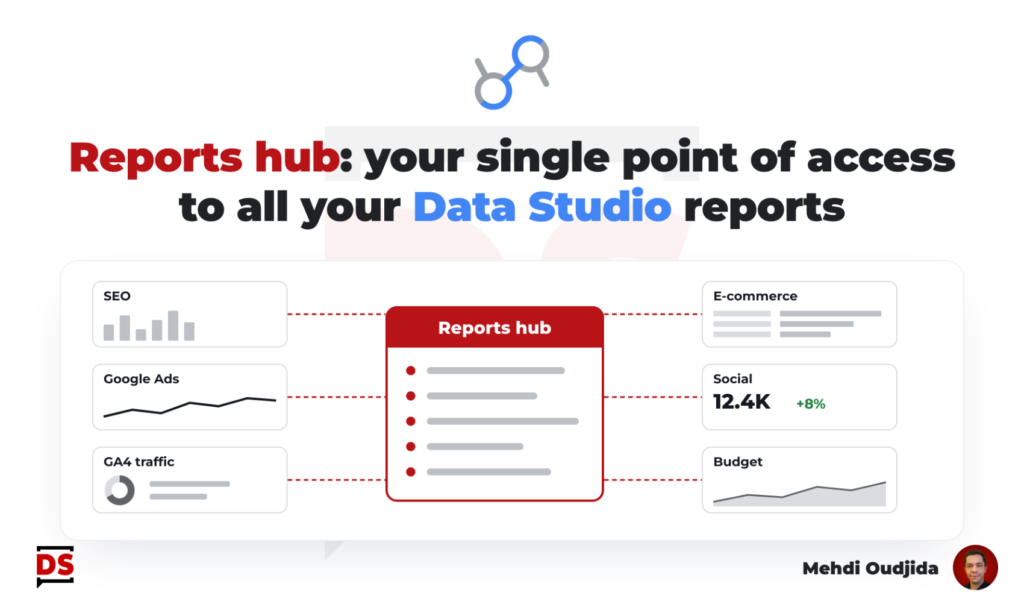
So, for companies with a growing devices of analytics & digital performance, with a significant number of dashboards & reports, I like to create a reports hub, referring and getting access to all the available reports. Why putting it in another additional tool instead of building it directly in Data Studio?
This Data Studio report gateway provides a lot of benefits:
- A single & fast point of access to all your reports, to bookmark and to use for reports readers as a THE entry point
- A first level of information about the scope of each existing dashboard & report
- A showcase & branded element of your data driven organization (“Hey look sweet boss how we are data driven!”)
- An extension of your reports documentation with operational functions
- …
Unlock free access to the full article
Access to this article written by Mehdi Oudjida, Data Studio Expert, is completely free: enter your email address to receive an access link to the full article.
Your email address is only used to send the link, and for the newsletter if you tick the box. It is not stored on this site.